
Please SCROLL DOWN to view our CALENDAR and NEWS FEED or to use the QUICK LINK BUTTONS
Latest News
MADD week 2026
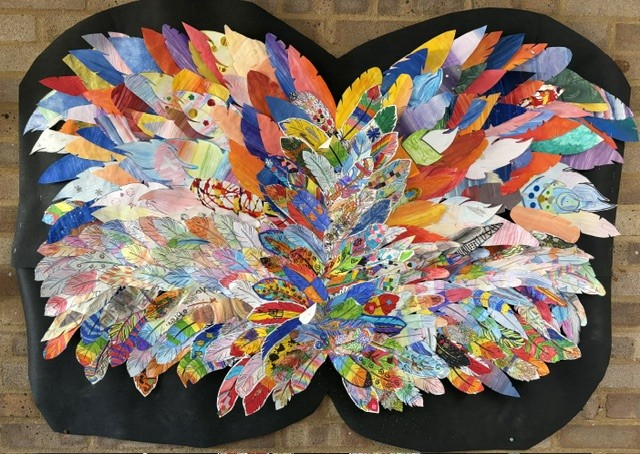
We’ve had an absolutely MADD week, with children taking part in special activities all based around the disciplines of music, art, drama and dance! Each day of the week had a different focus with Monday examining shapes and patterns; Tuesday exploring community; Wednesday investigating flight; Thursday considering ‘Little Pieces, Big Impact and Friday devoted to Happiness Day.
Activities included using our bodies as percussion instruments, singing some brilliant songs, dancing, using our bodies to ‘make a machine’ by instigating geometric patterns to be a cog that triggers the movement in our friends, painting small boxes and combining the results to build a ‘village’, making art from nature and even joining together in a playground flashmob, this afternoon!
Have a look at our joyous flashmob, with everyone dancing to Shakira's 'Waka Waka', HERE!
Prae Wood achieves highest award for School Games
We are pleased to announce that Prae Wood has, for the first time, achieved the School Games Mark Platinum Award, a government-led award, which recognises a school's outstanding commitment to PE, school sport and physical activity. A school is only able to apply for this level of award once they have achieved the School Games Gold Award for the previous four consecutive years. Mrs Paine is delighted to have finally achieved this award, having started at Bronze level when she joined the school in the academic year 2018/19.
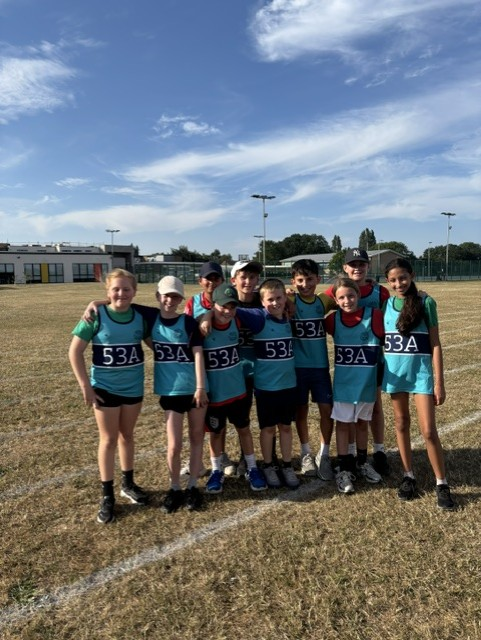
Cricket finals night

Admissions

The School Day

Parent's Evening Booking System

Letters to Parents 2025-26

Wellbeing Page


